
How to Publish a Book on Amazon (2026): Step-by-Step Guide & Real Costs
New to this? Start with our complete step-by-step guide to publishing a book in 2026 before you dive into Amazon specifics.
You can publish a book on Amazon for $0 upfront — Kindle Direct Publishing (KDP) charges no fee to upload — and your real costs come from the professional services you choose: editing, cover design, and formatting. In this 2026 guide, we walk through the exact step-by-step process, the real cost math, and the mistakes first-time authors make.
How Much Does It Cost to Publish a Book on Amazon?
Uploading to KDP is completely free. The cost is in what you outsource: professional editing ($500–$2,000), cover design ($100–$800), and interior formatting ($200–$600). If you use a full-service publisher, a complete package with author copies runs $699–$2,499 all-in. When a book sells, Amazon deducts the print cost from the list price and pays you the rest as royalty — on KDP you keep up to 70% royalty on eBooks.
Step 1: Prepare Your Manuscript
- Write and revise: Finish the manuscript, then get it professionally edited. Self-published books with typos lose reader trust fast.
- Format the interior: Standard trim sizes are 5×8 and 6×9. Use a professional layout so chapters, headers, and page numbers are clean.
- Design a cover that sells: Your cover is your ad. A professional cover designer knows the genre conventions that make people click.
Step 2: Create Your Amazon KDP Account
Go to kdp.amazon.com, sign in with your Amazon account, and complete the tax interview and banking details. This takes about 10 minutes.
Step 3: Upload and Publish
- Click Create → Paperback or eBook
- Enter your title, subtitle, and description (use keywords that real readers search)
- Upload your manuscript file (KDP accepts DOCX, PDF, EPUB)
- Upload your cover (or use the free Cover Creator)
- Set your price — KDP royalties: 35% or 70% for eBooks depending on price and territory
- Click Publish
Your book typically goes live within 24–72 hours.
Step 4: Do You Need an ISBN?
KDP gives you a free Amazon ISBN for paperbacks — but it only works on Amazon. If you want your book in bookstores, libraries, and other retailers, you need your own ISBN (around $125 in the US). A full-service publishing package includes ISBN & barcode setup, so your book can sell everywhere, not just Amazon.
Step 5: Get Reviews and Visibility
- Send advance review copies (ARCs) to beta readers and reviewers before launch
- Use Amazon Advertising (PPC) once you have reviews
- Optimize your listing with a keyword-rich subtitle and A+ content
Amazon Publishing FAQ
Is it really free to publish on Amazon?
Yes — uploading to KDP is free. Amazon only takes a cut per sale (print cost + royalty split). Your real costs are editing, cover design, and formatting if you outsource them.
How much does Amazon pay per book?
For eBooks priced $2.99–$9.99 in the US, KDP pays 70% of the list price. Paperbacks pay a per-copy royalty after Amazon deducts the print cost.
How long does it take to publish on Amazon?
Upload to live takes 24–72 hours. The full process (writing → editing → design → publish) usually takes 4–8 weeks with professional help.
Do I keep my rights publishing on Amazon?
Yes — KDP is self-publishing: you keep 100% of your rights and can publish elsewhere too.
KDP vs full-service publishing: which is better?
KDP is best if you have time to do editing, design, and marketing yourself. A full-service package handles everything for a fixed price — useful if you'd rather write than wrestle with formatting software.
Publish With Harmony Publishing
We handle editing, cover design, formatting, ISBN, printing, and global distribution — including Amazon — for one transparent price with 100% royalties. Talk to our team about your book.
For more, frequently asked questions about publishing — everything you need in one place.
New here? Start with the big picture: how to publish, print and sell your book on Amazon Books — costs, royalties and the two realistic routes to a live listing.
Looking for a better deal? See our complete step-by-step Kindle Direct Publishing guide.
Keep reading
Worse vs Worst: What's the Difference? (With Examples, 2026)
More →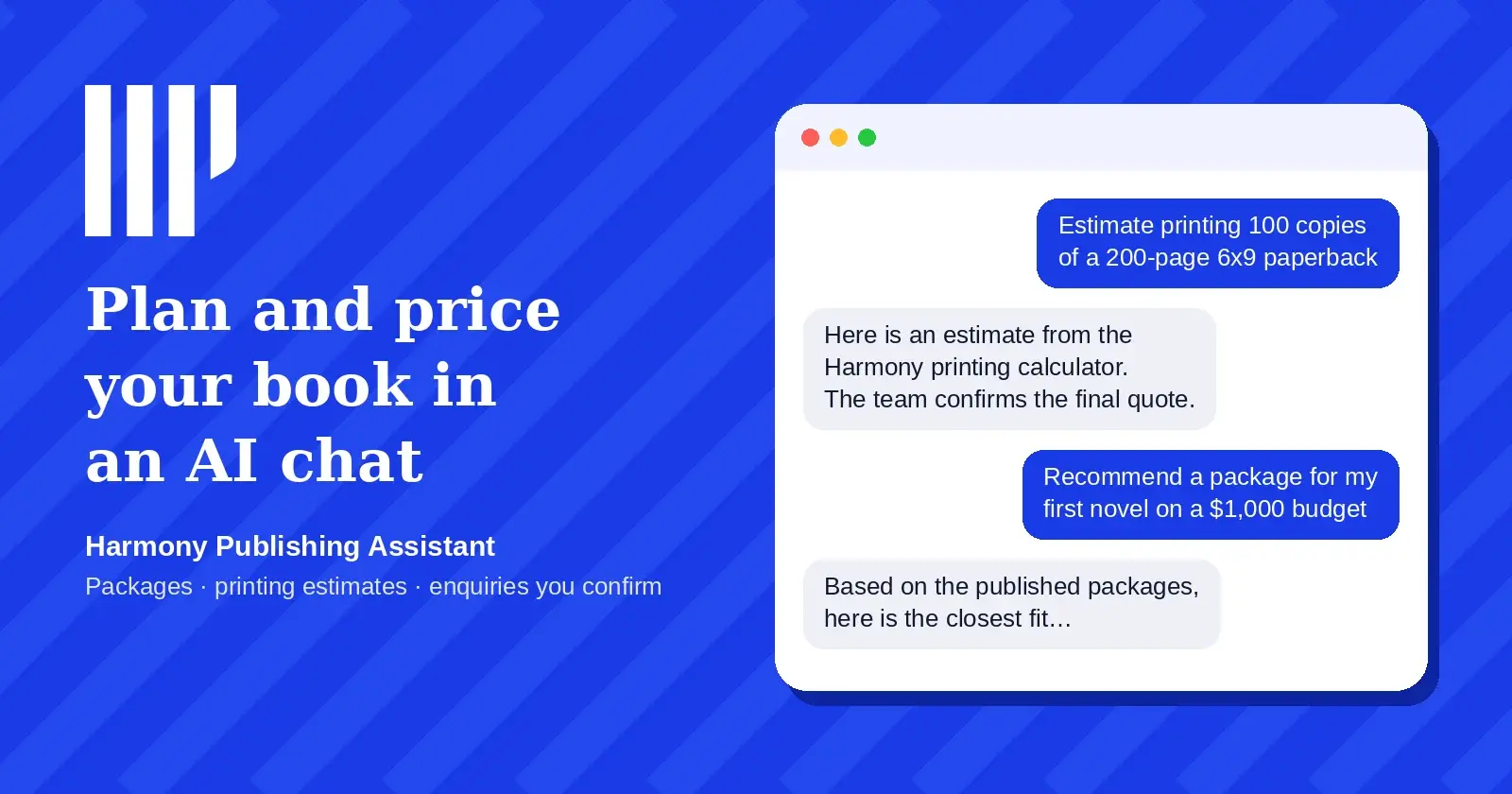
Plan and price your book inside ChatGPT with the Harmony Publishing Assistant
More →What is a proof copy? (and why you should always read one)
More →New to Harmony Publishing? What is Harmony Publishing?